How HVAC, Plumbing, and Roofing Companies in DFW Are Booking Jobs While They Sleep
How HVAC, Plumbing, and Roofing Companies in DFW Are Booking Jobs While They Sleep
A homeowner in your target market discovers a leaky faucet at 10 PM on a Saturday. They message your Facebook page or text your business number. Instead of radio silence until Monday, they get an instant, helpful response that assesses the issue, books an emergency visit if needed, or schedules a routine appointment, all without waking you or your team.
No missed revenue. No Monday morning scramble. Just a booked job waiting for your crew.
That's conversational AI in action, and in 2026 it's no longer a nice-to-have for home service businesses. For HVAC, plumbing, electrical, roofing, and general contractors in the DFW market, it's becoming the difference between growing and standing still.
Here's why it matters, what it actually solves, and a practical framework to get it running in your business.

The Real Problem: Your Leads Don't Keep Business Hours
Recent industry data shows that nearly 70% of home service requests happen outside of standard business hours. That's not a minor inconvenience, that's the majority of your inbound opportunity sitting in a voicemail box or going unanswered in your DMs while a competitor picks up the phone.
The businesses gaining ground aren't waiting on staff to scale. They're automating the first response, qualifying the lead, and booking the job before your team clocks in Monday morning.
You're Closed. Your Competitor Isn't.
When a prospect texts your number at 8 PM about an AC unit going out in a Texas summer and gets silence, they don't wait. They go to the next result on Google. That job is gone, and you never knew it existed.
Conversational AI runs on SMS, your website's live chat, and social DMs around the clock. When a lead comes in, it responds within seconds, not minutes, not the next morning. It asks the right questions, gauges urgency, and either books the appointment or flags it for your team to handle first thing.
Research shows that leads contacted within 5 minutes are far more likely to convert. Delays of even a few minutes can send prospects to competitors. In home services, where emergencies drive decisions, that window is even shorter. Getting there first is not about being aggressive. It's about being available.
Your Team Is Drowning in Follow-Up
Even when leads do come in during business hours, the follow-up loop is brutal. Phone tags, confirmation texts, no-show reschedules, upsell attempts that never happen because nobody had time. This is where hours disappear every week.
Automated follow-up sequences handle the routine work: appointment confirmations ("Your plumbing inspection is tomorrow at 10 AM. Reply YES to confirm."), lead nurture for quotes that went cold ("Still need that roofing estimate? We have availability this week."), and post-job check-ins that generate reviews without anyone on your team lifting a finger.
The result is more consistency, fewer no-shows, and a follow-up process that actually runs.
Manual Qualification Is Costing You More Than You Think

Not every inbound lead is the same. An emergency call at 11 PM requires a different response than a routine HVAC tune-up request. When your team handles triage manually, things fall through the cracks and the wrong jobs get prioritized.
Conversational AI qualifies in real time. It asks the right questions upfront ("Is this an emergency, or can we schedule a visit this week?"), filters based on your criteria, and routes accordingly. Your team only touches leads that are ready to book or flagged as urgent. Everything else gets handled automatically.
A Practical Framework: Running in 90 Days
You don't need a tech overhaul to get this working. The core architecture is straightforward: a CRM or conversation platform to handle AI interactions, scheduling, and lead management, paired with a middleware layer for custom integrations and workflow logic.
On the CRM side, the most common platforms we see in home services are GoHighLevel (GHL), Jobber, ServiceTitan, and HubSpot. Each has different strengths depending on your business size and existing workflows. For middleware, options like n8n, Make, and Zapier all get the job done, with varying levels of flexibility for complex custom builds.
At Bot Boutique, we build on GHL and n8n. GHL gives us the flexibility to build custom AI agent prompts, manage multi-channel conversations, and handle scheduling natively without stitching together separate tools. n8n handles the more complex integrations where we need API calls, conditional logic, or connections to external systems that GHL doesn't natively support. It's a combination that gives us control without unnecessary overhead.
If you're already running on a different platform, the framework below still applies. The principles don't change; the specific configuration does.
Phase 1: Audit and Setup (Days 1 to 30)
Start by pulling last quarter's data. How many after-hours inquiries did you get? What's your average response time? Which channels are most active (SMS, website chat, Facebook DMs)?
From there, build your foundation in GHL (or your platform). Set up your AI agent with custom prompts tuned to your business ("Greet warmly, ask about the issue, assess urgency"). Build out your knowledge base with your services, service area, and common FAQs specific to your market (for example, common HVAC issues in North Texas climates, or roofing concerns after hail season).
Connect your channels and test basic flows. A DM comes in, the AI responds, gathers the right details, and books via your calendar. Get this working on one channel first, typically SMS for most home service businesses, and track results before expanding.
Phase 2: Optimize and Automate (Days 31 to 60)
Once the basics are running, layer in more context. Use n8n to pull customer history via API and personalize responses ("John, your last HVAC service was eight months ago. With summer coming, want to get ahead of it?"). Enable autonomous scheduling so the AI checks availability and sends confirmations without human input.
This is also where you add weather-triggered logic if you're in HVAC. A heat wave forecast hitting DFW next week is an automated campaign trigger, not something someone on your team should have to remember to send.
Monitor your response time and conversion rate weekly. Adjust prompts based on what's working.
Phase 3: Scale and Iterate (Days 61 to 90)
Connect to your CRM for seamless lead handoff. The AI qualifies, your team closes. Use middleware like n8n to handle advanced automations where your CRM's native integrations don't reach, such as API calls to payment systems for deposit collection or inventory checks for equipment availability before booking.
Set automated rules for your post-job sequence: 24-hour check-ins, review requests, seasonal upsell campaigns. Measure time freed from manual tasks and additional jobs booked. Your break-even point should come early in this phase.
One non-negotiable rule: keep a human in the loop for emergencies and disputes. The AI flags these and escalates. It is a force multiplier for your team, not a replacement for judgment.
Common Mistakes to Avoid
Generic prompts. A prompt that says "help customers with home services" is nearly useless. Train your AI on your specific services, your service area, and the real questions your customers ask. An electrician in Frisco gets different inquiries than a plumber in Fort Worth.
Over-automation. Quoting a complex roofing job or handling a billing dispute are not tasks for an AI to close unilaterally. Build in clear escalation paths so customers never feel stuck in a loop.
Skipping compliance. For SMS specifically, TCPA rules require proper opt-in language and consent. Our system (GHL) has built-in tools to handle this correctly. Don't skip it.
The Bottom Line
Conversational AI is not about replacing what your team does. It's about making sure nothing falls through the cracks at 10 PM on a Saturday, or at any other time your business would otherwise go dark.
If you're running an HVAC, plumbing, or roofing operation in DFW and you're still handling after-hours lead follow-up manually, you're leaving jobs on the table every single week.
The fastest way to understand what this looks like for your business is to see it running. I do a short live demo on Zoom, built around your service type and market, so you're not watching a generic walkthrough. You're watching your AI handle your leads. [Grab a time here.] No obligation. Just a real look at how this could work for your operation.
Not ready for that yet? Drop your biggest bottleneck in the comments and I'll start there.
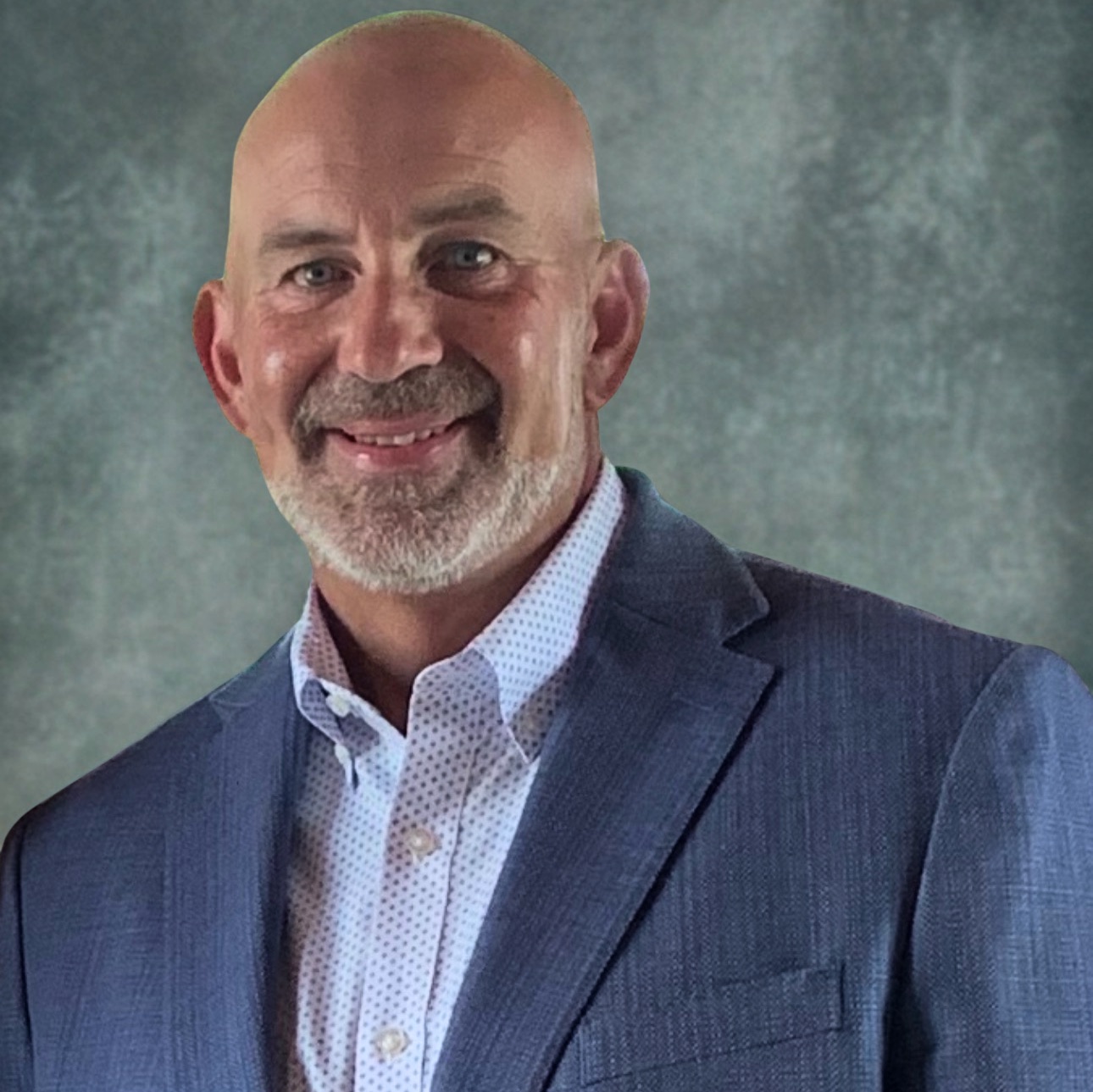
Nathan Richardson is the founder of Bot Boutique, an AI automation agency based in Frisco, TX. With 20+ years in telecom infrastructure at AT&T and IBM Cloud, he brings a level of infrastructure and systems expertise rarely found in AI automation. Bot Boutique deploys AI-powered automation across the full revenue cycle, from first contact to five-star review, for home service businesses across the DFW market and nationwide, helping them close more deals without adding headcount.


